When using Authenticator to sign in to BookLink for Android Mobile, make sure to tap the notification from Authenticator, rather than opening the Authenticator app itself.
See it in action:
https://youtube.com/watch/VC6GVbCN5qI
Do Not Open the Authenticator app to sign in.
Open this app to change your multi-factor authentication settings.
Use the notification that Authenticator send when you try to sign in to process your signing in.
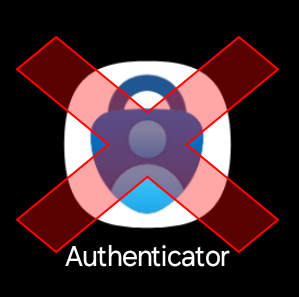
Do not open this app to sign in to BookLink Mobile.
Signing In
The video above shows the steps to sign in to BookLink Mobile. It assumes you've already configured Microsoft Authenticator on your handheld.
If you've not configured MS Authenticator, follow these instructions to do so: How to Configure Multi Factor Authentication
Was this article helpful?
That’s Great!
Thank you for your feedback
Sorry! We couldn't be helpful
Thank you for your feedback
Feedback sent
We appreciate your effort and will try to fix the article