Passwordless sign in is an optional but convenient feature that allows a user to sign into cloud applications with only a notification in the Microsoft Authenticator App.
Prerequisite: Multi Factor Authentication through the Microsoft Authenticator app must be configured before passwordless sign in can be enabled.
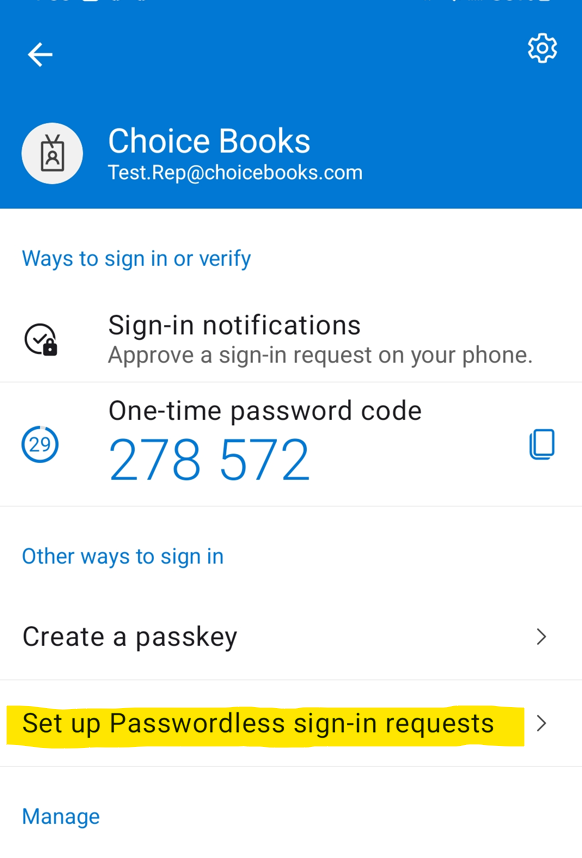
1. Open the Authenticator app on your HH. Tap on your account.
2. Select "Set up Passwordless sign-in requests." Then follow the sign-in prompt, using using MFA.
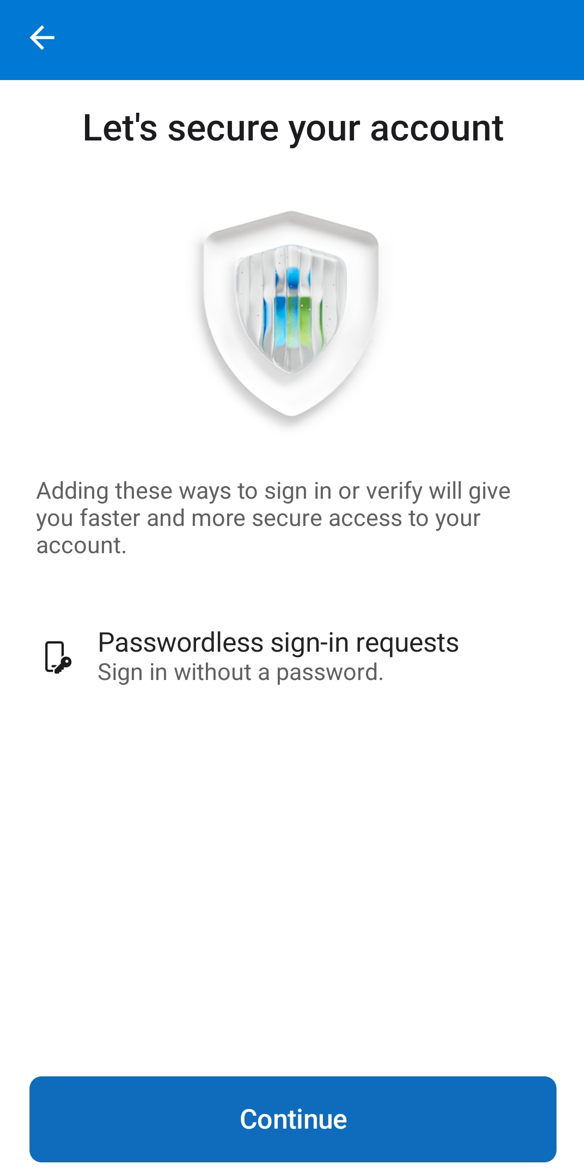
3. Tap Continue on the next screen.
4. Tap Register, and then Register again.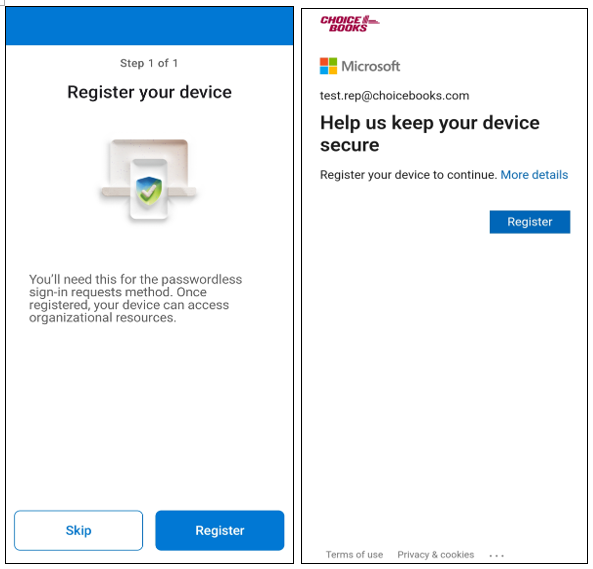
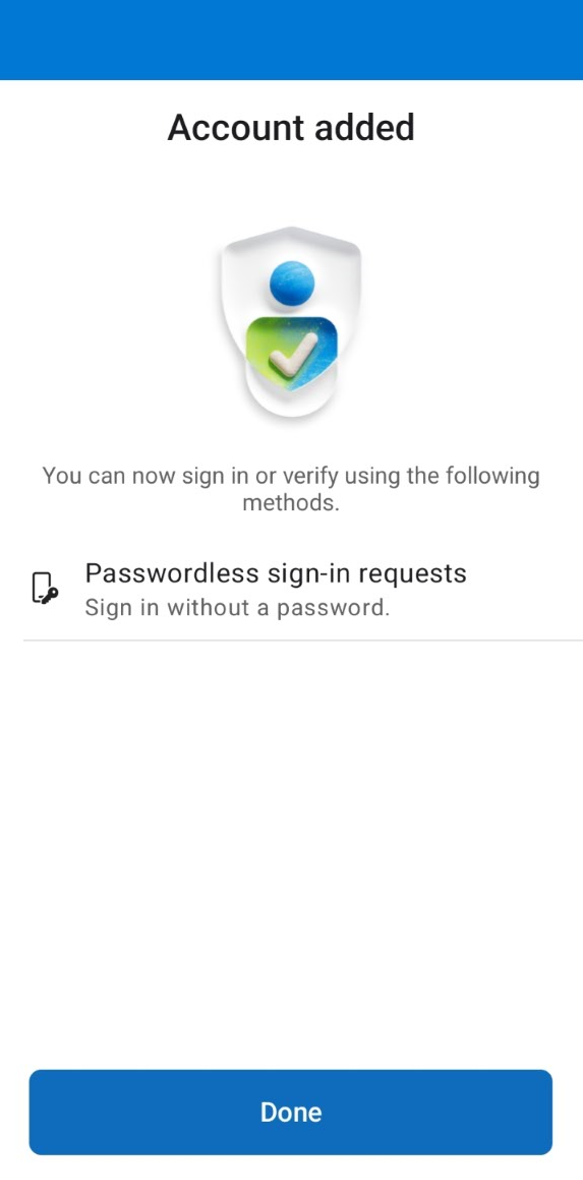
5. Account has been added. Press Done.
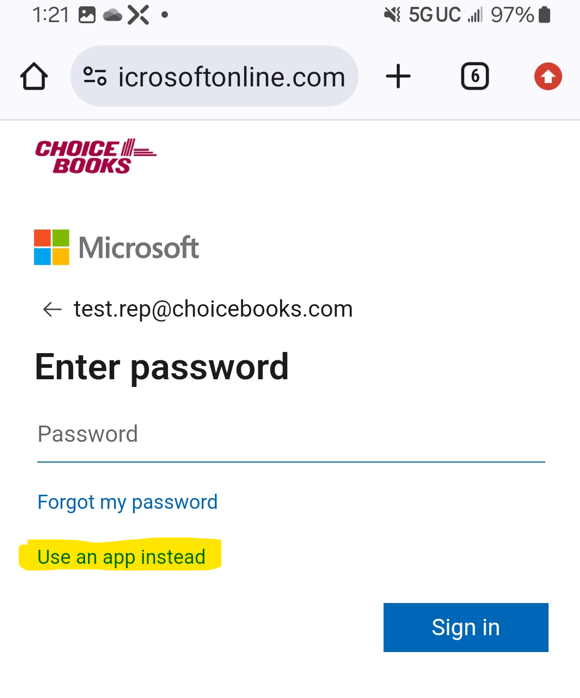
Info: At sign-in, you will have a new option to "Use app instead" to sign in. Tap that instead of entering your password, and you will be able to sign in just using the Authenticator app.
Suggested next step
Was this article helpful?
That’s Great!
Thank you for your feedback
Sorry! We couldn't be helpful
Thank you for your feedback
Feedback sent
We appreciate your effort and will try to fix the article